

fly deploying an app.
The fly machine command docs are another good resource.
Elements of a Machines Web App
To get a single Machine running a stateless app, and serving it to the world at<app-name>.fly.dev, you need to assemble the following pieces:
- A Machines-flavoured Fly App—you’re not using
fly deployto manage the app’s Machines, but you still need an app, as it’s the administrative entity that owns your VMs and things like anycast IPs and volumes - At least an IPv4 public anycast IP address
- A port mapping for the HTTP service you want to expose
- A Docker image
fly launch too.
The big difference here is that instead of putting an app-wide configuration into a fly.toml file and running fly deploy, we’ll incorporate per-VM config into the fly m run (AKA fly machine run) command that creates the VM.
Imagine you have a Dockerfile in the current working directory, along with maybe some source code that Dockerfile draws on; and when you build it, you get an image for something that listens on internal port 8080. You want that to be reachable from the world on port 443, where browsers send HTTPS connections.
If you like to do things in an orderly fashion, you might want the App to have public IP addresses before you boot the Machine:
. in there? That, in this case, is the path to the Dockerfile. Such a diminutive, easy-to-miss representation of everything you want to supply for the VM to run. Don’t leave it out.
Note the allocation of a shared IPv4 address above. For regular HTTP(S) web apps, shared IPv4 works fine, and helps conserve the world’s dwindling IPv4 supply (and can save you money). If your app runs other services and you need a dedicated IPv4, you can provision one by leaving out the --shared flag.
If your app doesn’t exist yet, fly m run will prompt you to create it, so you can actually do this instead:
Example: A Simple Public Web App
Let’s make this more concrete with an example. I want to run a tiny Python/Flask app with almost-static content. While there’s no need to go down to the level of controlling individual Machines for a simple web app—you’d just runfly launch to get a Fly App configured and have the conveniences of fly deploy—we can do it if we want to.
Heads up! I’m also going to make a little mistake or two to help us learn our way around a Machines App.
I’ll get the code and Dockerfile from the repo:
-a to most of my flyctl commands, because we’re not using a fly.toml for configuration, and a fly.toml in the working directory is where flyctl usually gets the app name that it thinks you’re implying when you don’t specify one.)
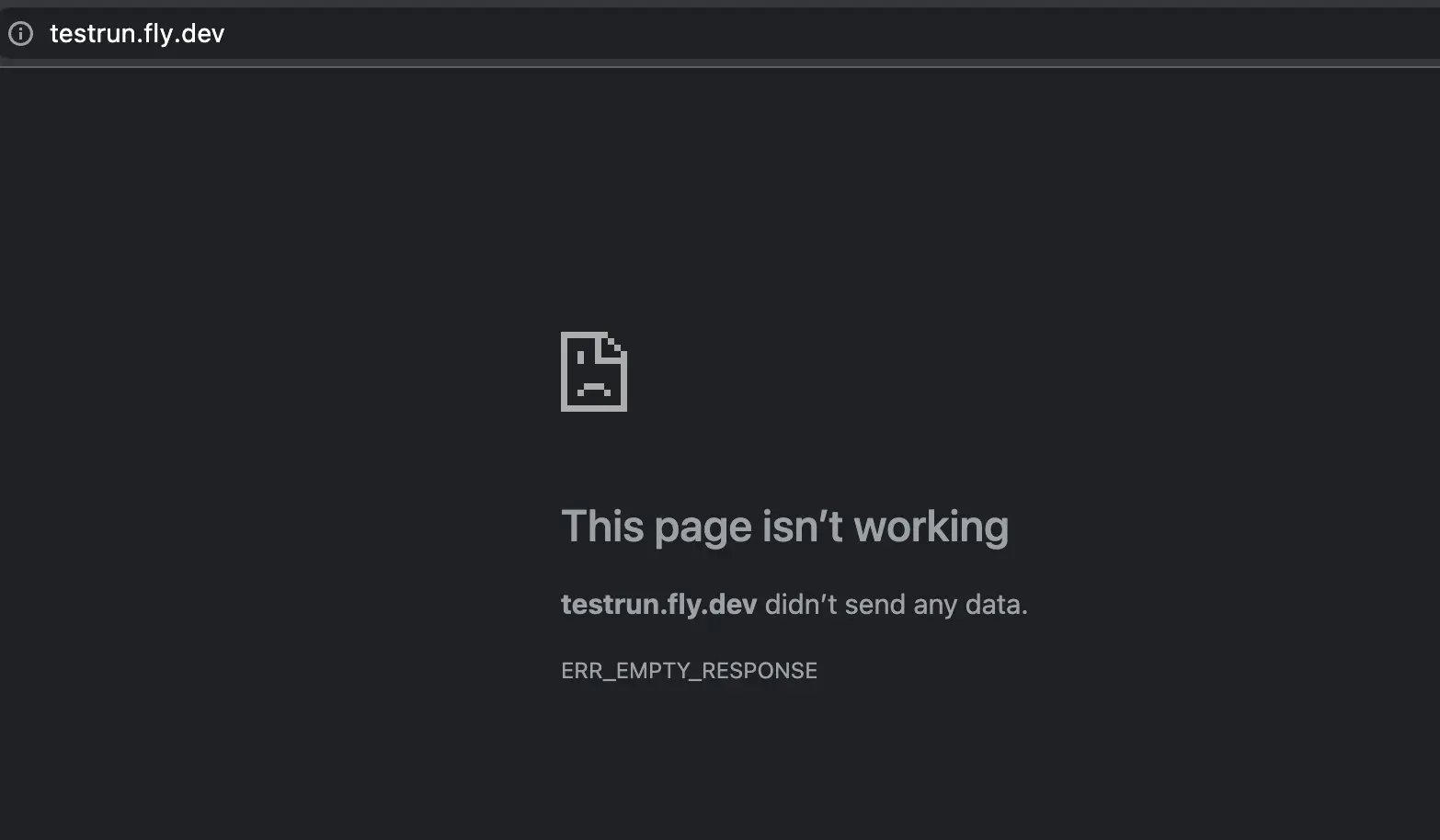
fly status -a testrun:
started. I can look for more details about it using fly m status:
[info]Still waiting for machine to listen on 0.0.0.0:8080 (waited 43.329214343s so far)
and error.message="failed to connect to fly machine: Gave up after 50 retries". So my Machine is started, but it’s not listening where I’ve told the Fly Proxy it would be. If I scroll up closer to the start of the logs:
Update the Machine configuration
If I were working with a Fly App instead of with Machines directly, I’d edit the internal port in myfly.toml and redeploy. I’ll do the Fly Machines equivalent: fly m update with the modification I want to make to the configuration.
fly apps open -a testrun again, and voilà:
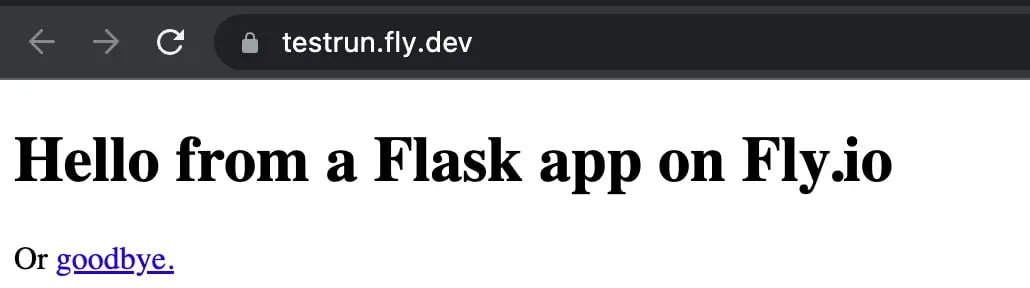
https://<your-app>.fly.dev/<your-name>)
Update the Machine’s Docker image
Imagine a hypothetical future me, with several VMs running my app in different regions (to serve users around the world faster) sending a GET request to one of my App’s VMs at its private IPv6 on the internal WireGuard network, and noticing that I haven’t configured my process to listen on IPv6! To fix that, I’ll have to change something inside the Docker image, and we may as well look at that now, while we’re on the subject of fixing mistakes in Machines. Again, with a V1 App, I’d usefly deploy for this. Can we use fly m update to rebuild and restart a Machine? Why, yes, we can!
fly image update.
I can build a new image and push it to the Fly.io image repository with:
Add an instance in another region
By creating a new Machine
I can create another Machine withfly m run using the same image as the others are running, on the same App, but in a different region (use the correct port this time):
By cloning a Machine
Or I canfly m clone an existing instance for the same effect (this command is in flux and will probably make more sense in the future for general VM use):
Open a shell on a Machine
We can do this using just flyctl and user-mode WireGuard, thanks to a program called Hallpass that runs on each Fly.io App VM. You can ssh into a specific Machine withfly ssh console -s:
Scale Down Temporarily By Stopping a VM
Usefly m stop to stop a Machine; fly m start to get it going again.
There is a subtlety here where if you have a public service defined, if the Fly Proxy happens to send a request to a stopped Machine, it will try to get it started, too. One mitigation for this is to have Machines run a main process that exits after some time idle, thus shutting down the VM. Then if the proxy wakes a VM up just for some random bot hit, it won’t stay up indefinitely.
Scale Down Permanently
Usefly m stop, then fly m remove to remove a Machines VM entirely.
Delete the app
If I want to yeet the whole App and all its Machines, IP addresses, Volumes, etc., I can runfly apps destroy on it, just like a V1 App.