

Laravel and MySQL Fly App
To run MySQL as a Fly App, follow our guide here. Afterwards, you’re good to connect:- Connect to your MySQL Fly App from a Laravel Fly App
- Connect to your MySQL Fly App from a local environment
Connect from a Laravel Fly App
-
Revise the
[env]configuration in your Laravel application’sfly.tomlfile to connect with your MySQL Fly App’s Fly .internal address: -
Then, set up your Laravel Fly App’s database username and password through Fly Secrets:
-
Finally deploy your Laravel Fly App changes with:
Connect from a local environment
The MySQL instance you spun up in Fly.io “is closed to the public internet”, and can only be accessed by another application found in your Fly.io organization’s private network. You’ll need a way to tunnel into the network and finally connect to your MySQL instance. In this guide you’ll tunnel to your MySQL instance through the use offly proxy
-
Open your MySQL application’s
fly.tomland take note of the following: -
Then use
fly proxyto tunnel to your MySQL application: -
Finally, update your Laravel application’s local .env file with the values from your MySQL
fly.tomlfile:
Laravel with MySQL-compatible PlanetScale
For a basic PlanetScale and Fly.io connection, follow our guide here. If you’re up for a multi-region level up, check out our Multi-Region Laravel with PlanetScale article. Once you’re setup with PlanetScale, connect your Laravel application in Fly.io through the following steps below:- Get Laravel connection information from PlanetScale instance
- Connect from Laravel application in Fly.io
Get Laravel connection from PlanetScale instance
Once initialized, your database dashboard should have metrics and options like so: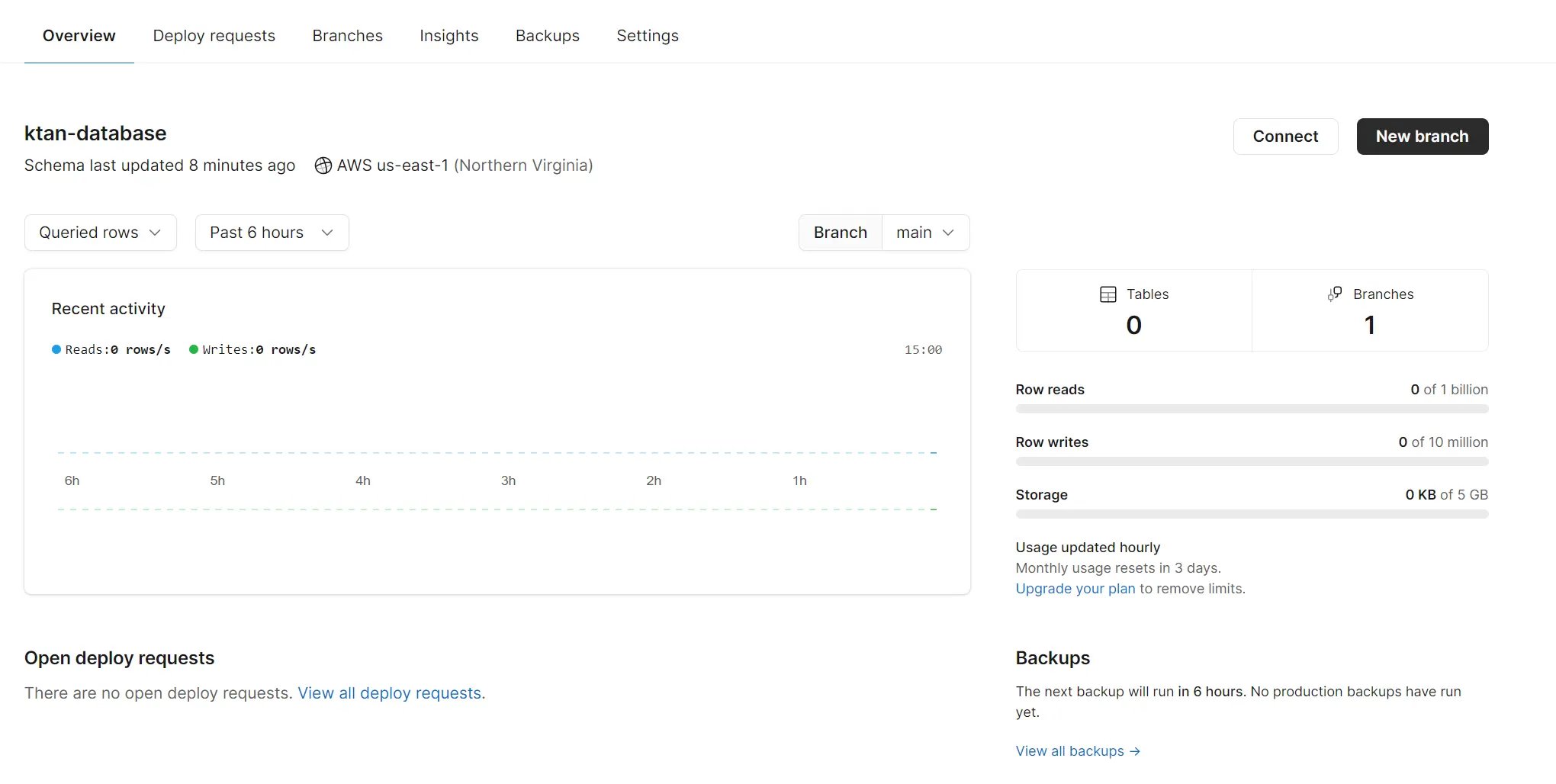
- Click on the Connect button at the top right, this should provide a box of information for connecting with your PlanetScale database.
- First though, make sure to add a password, by clicking on the “New Password” button at the upper right corner. This should show you a new password afterwards.
- Next, select “Laravel” in the list labeled “Connect with”
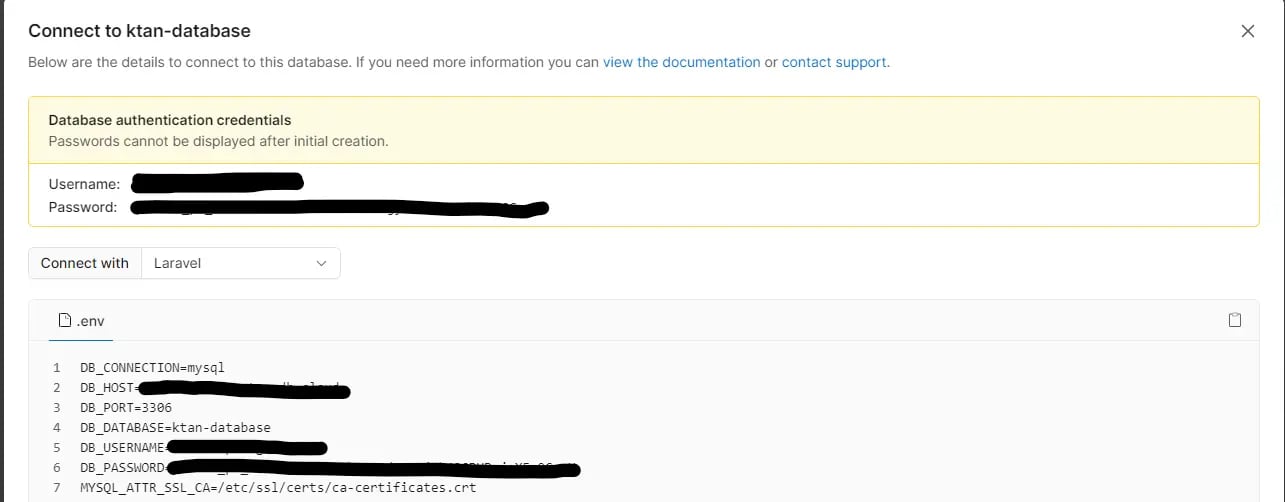
Connect from a Laravel Fly App
-
Update the
[env]configuration in Laravel application’sfly.tomlwith details from the PlanetScale connection stringTake note that the value forMYSQL_ATTR_SSL_CAvaries depending on the Docker container used. For the default Docker container used by Fly.io, the above value is the path -
Next, set up the database username and password through fly secrets:
-
Finally deploy your changes with: