

Select an organization
All Fly.io users have a personal organization and may be a member of other organizations. Set an environment variable with your choice.Organization token
To get started, you need an organization token, which you can obtain via the dashboard. Go to https://fly.io/dashboard, change the organization if necessary, select Tokens from the list on the left hand side of the page, optionally enter a token name or an expiration period and click on Create Organization token. Once complete you should see something like the following: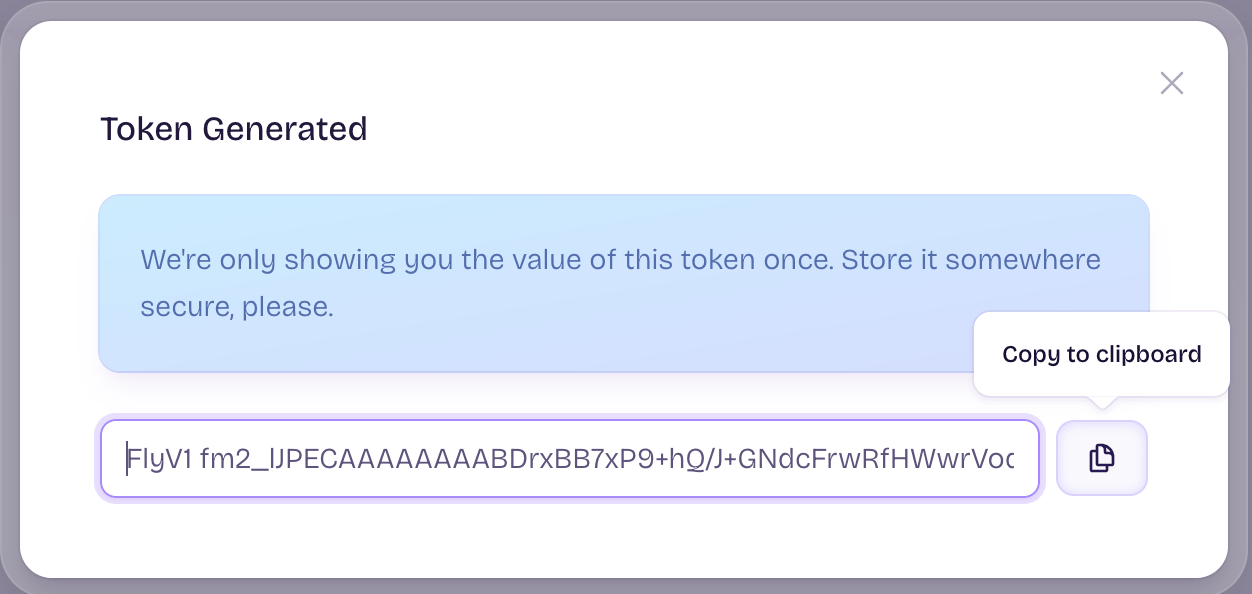
Select an API hostname
The host name you chose depends on whether your application is running inside or outside your Fly.io private Wireguard network. If you are not sure, use the public base URL:Chose a hostname for your app
You are free to chose any available hostname for your application. The following will generate a name that is likely to be unique:Create your app
Now use the Create a Fly App API:200 Success, along with some JSON output.
Create IP addresses for your application
While the Fly.io GraphQL endpoint is public, our usage of it is open source, can be directly observed by setting
LOG_LEVEL=debug before running flyctl commands, and there are no current plans to change it, be aware that this interface is not guaranteed to be stable and can change without notice. If this is a concern, consider using the fly ips command instead.v4 and private_v6.
Create a volume
This demo uses a volume. If your application doesn’t use a volume skip this step.Create a machine
This next part contains a lot of properties, so first an overview:- If you are using a volume,
regionselected must match a region in which you have an allocated but unattached volume. imagespecifies the image we will be running. Fly.io provides an image capable of runningnpxanduvx, which is sufficient to run many MCPs. If you have a custom MCP with unique requirements, you can provide your own image.initspecifies the command we will be running.guestspecifies the size of the machine desired.mountsspecifies the volume, where it is to be mounted, and how it can grow.servicesdefined what network services your application provides.
Accessing the MCP
Normally you would access the MCP usingfly mcp proxy to create a STDIO MCP server for your MCP client, even if you are using the Machines API to deploy an existing MCP server on a Fly Machine.
But for those interested in lower level details, fly mcp wrap supports the asynchronous nature of MCP servers by requiring all requests be done via HTTP POST and all replies are returned in response to a HTTP GET request.
The following shell script will demonstrate that your MCP server is working:
sleep commands present, there is no retry logic in this script. What this means is that you may not see replies the first time you run the script, especially if your machine has not yet been started. Simply run the script again if this happens.
Performance Considerations
While the Machines API is the most performant way to create machines, there still are some considerations you need to be aware of.- Differences in performance of otherwise similar operations:
- Starting a machine that is suspended is faster than starting a machine that is stopped.
- Starting a machine that is stopped is faster than updating a machine.
- Updating a machine is faster than creating a new machine.
- There are rate limits in place.